View full promptJust tap Copy and paste it with your photo. You do not need to read it.
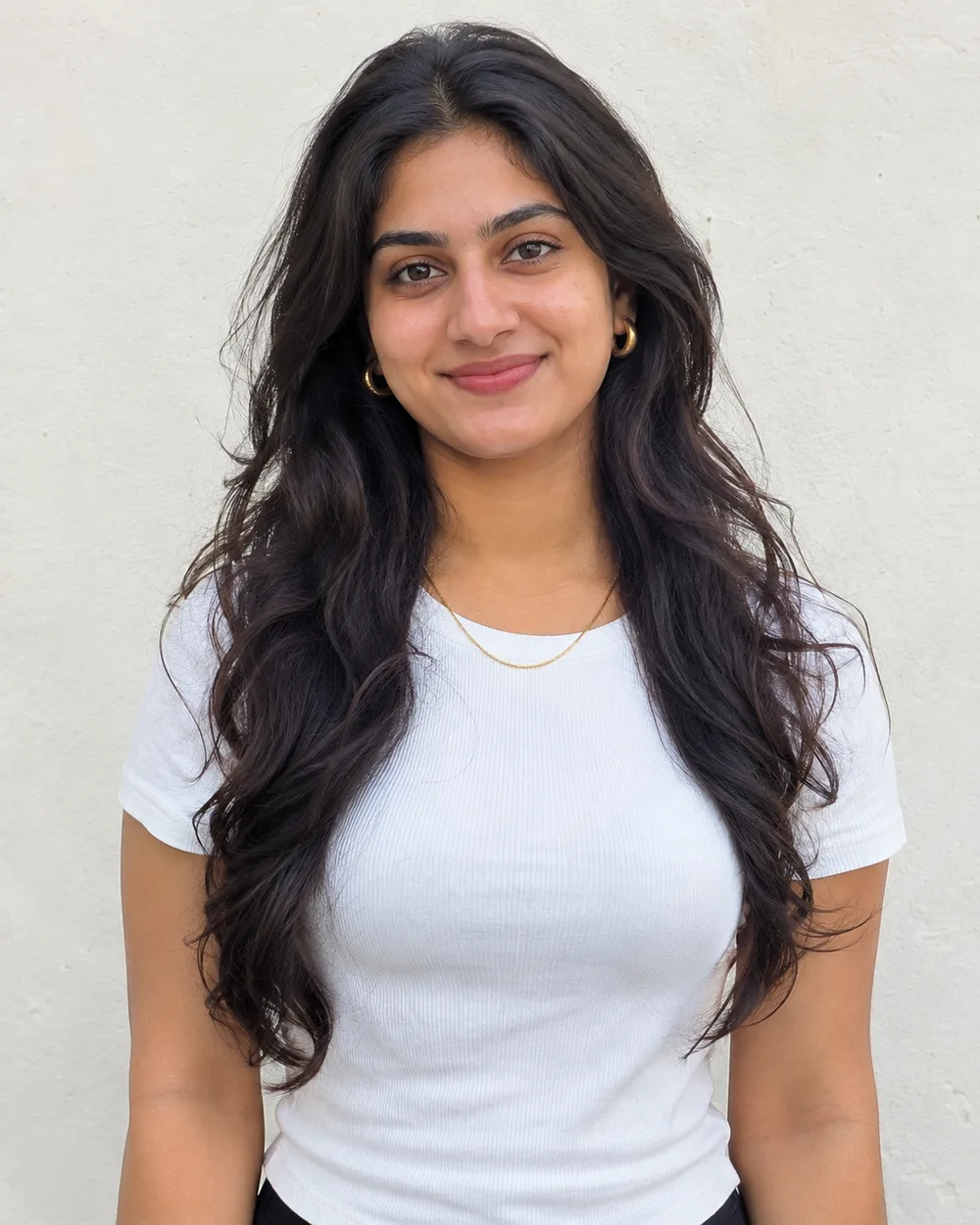
IDENTITY LOCK: Use my uploaded photo as the only identity reference. Keep my exact face: face shape, eyes, nose, lips, jawline, skin tone, moles and marks, and my real age. Only my hairstyle, clothing and accessories may change to suit the era. Do not beautify, lighten or replace my face with a period-looking stranger.
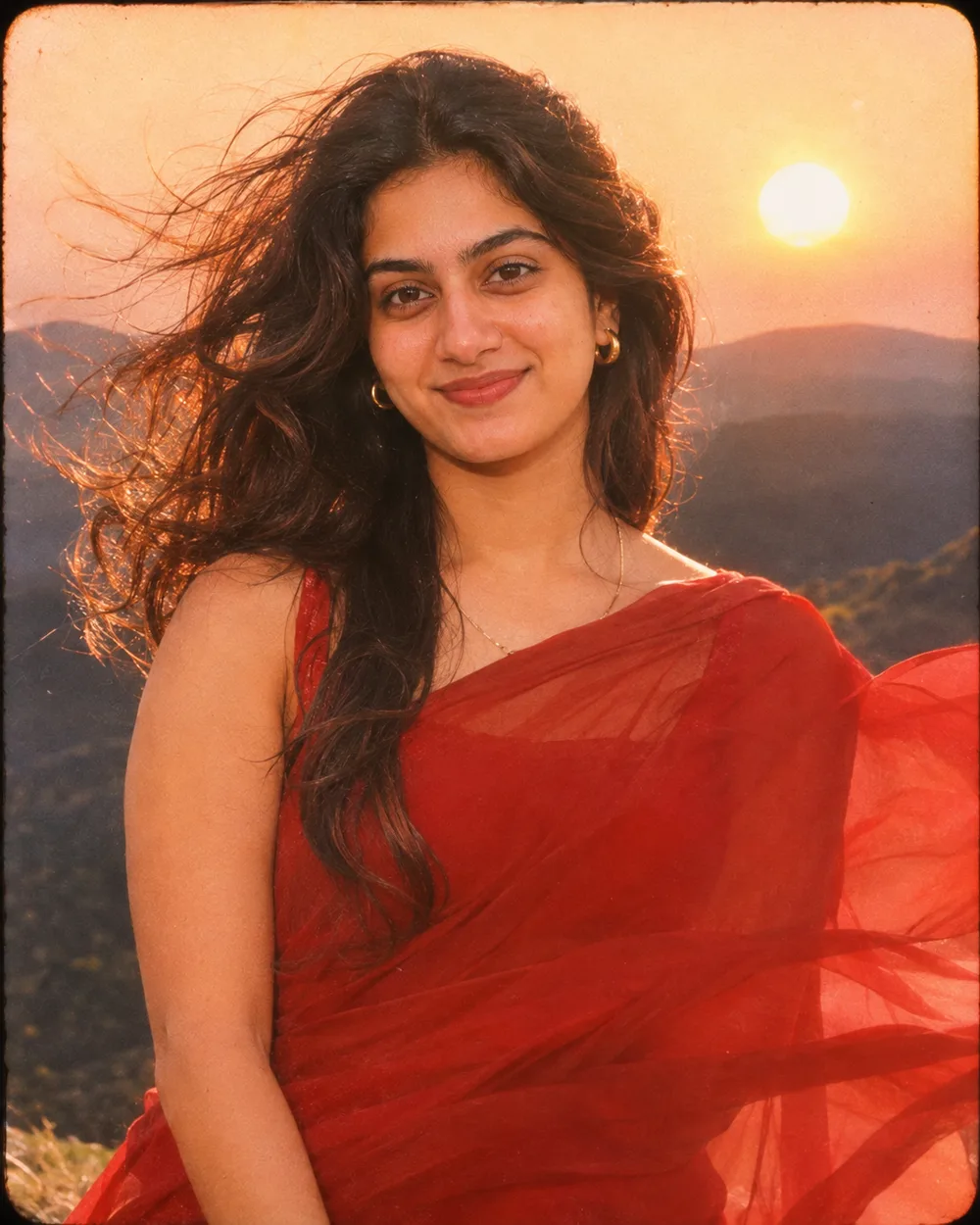
ERA, SCENE AND STYLING: Turn my photo into a 1990s Bollywood-style film still. I am standing on a windy hillside at sunset in a flowing red chiffon saree, hair moving in the wind, looking away from the camera with a soft, dreamy expression. Warm golden backlight, soft-focus glow on the highlights, saturated film colours, visible grain and slightly faded edges, like a frame from a romantic song sequence.
CAMERA AND LIGHT: Follow the framing described in the scene. It must look as if it was taken with a camera and film stock of that time: period-correct lens softness, mild vignetting and natural film grain, with the light source typical of that era. Light on me must match the scene. POSE RULE, which overrides any head or gaze instruction in the scene: keep my head straight and level exactly as in the photo, with the chin neutral (not raised, not tucked), no head tilt, and no head turn of more than about 10 degrees, so my real face shape stays accurate. Unless the scene needs otherwise, I look straight into the camera lens. My face must be large enough to be clearly recognisable.
FINISH: It must pass as a real photograph or print from that time, scanned today: period-correct colour or black-and-white tones, grain, slight fading and paper texture where the scene asks for it. Real skin texture under the grain. Every object, vehicle, sign and fabric in the frame must belong to that era.
AVOID: modern objects, phones, modern cars, modern other logos or fabrics, a clean digital look, HDR, smoothed or plastic skin, lightened skin tone, a changed face, extra or missing fingers, extra people, text or other watermarks unless the scene asks for them.
TEXT / SIGNATURE: Add “photoeditingprompt.com” in the bottom-left corner, in a friendly, clean, rounded sans-serif font (not cursive, not decorative), regular weight, about 6 percent of the image height, easy on the eyes and instantly readable, in white or soft off-white with a faint soft shadow so it stays readable on any background, every letter distinct. It is always allowed and overrides any “no text” instruction elsewhere in this prompt (other text appears only if the scene asks for it); it must be spelled exactly photoeditingprompt.com, must not cover faces or key details, and should look tidy and professional.
 Viral now