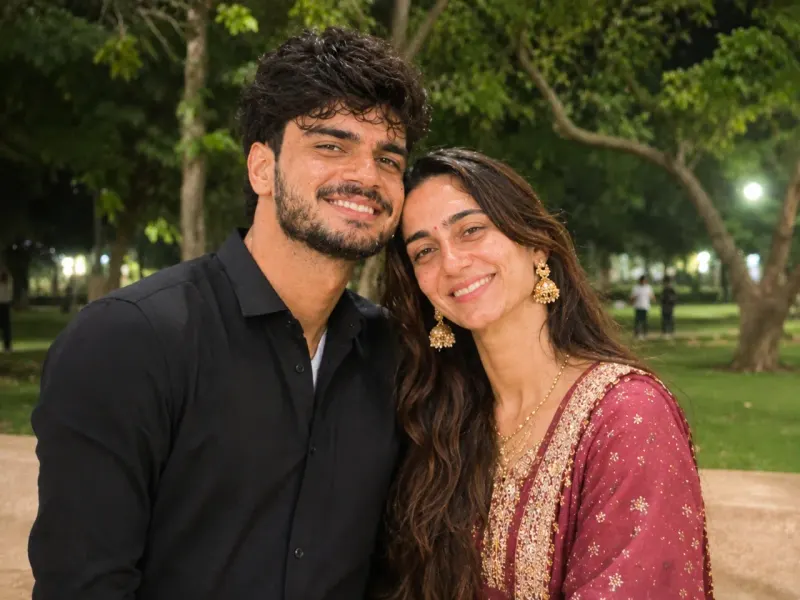
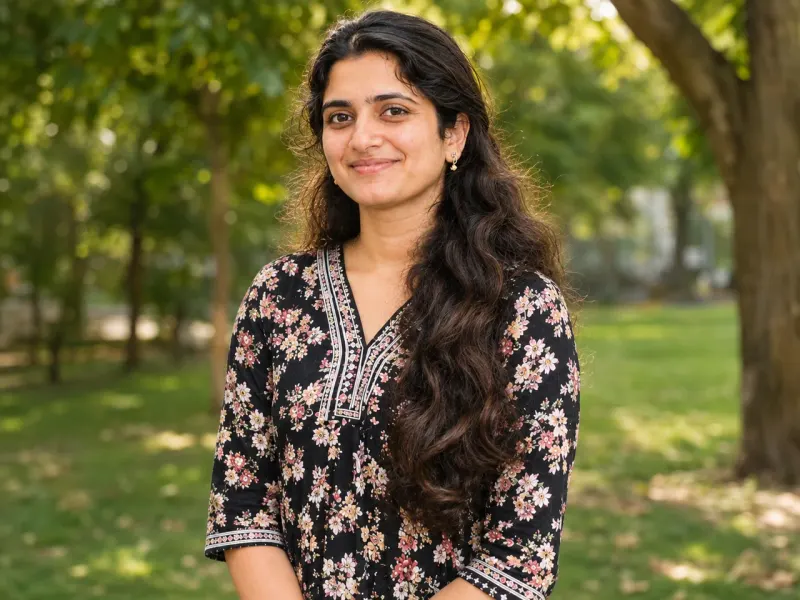
💡 Compare with another photo of the same person to check the eyes look right.
View full promptJust tap Copy and paste it with your photo. You do not need to read it.
IDENTITY LOCK: Edit the uploaded photo; do not generate a new one. Keep every person's face, expression, pose, age and identity exactly as in the original. Do not redraw, regenerate, beautify or re-light any face beyond what the edit below needs. Keep the original framing and aspect ratio unless the edit says otherwise.
THE EDIT: In this group photo, gently open the eyes of the person whose eyes are closed so they look natural and match that person's real eyes. Change nothing else: same faces, same smiles, same positions and lighting.
CAMERA AND LIGHT: Keep the original camera angle, perspective and composition. Any new or repaired area must match the original light direction, colour temperature, grain and sharpness, so the edit cannot be spotted.
FINISH: Natural, believable result at the highest resolution available. Real skin texture and fine detail preserved, clean edges around hair and clothing, no halos, no banding, no over-sharpening or over-smoothing.
AVOID: changed faces or expressions, invented facial details, plastic skin, altered body shape, cropped-off heads or limbs, colour casts, halos around edges, added objects, added other text or other watermarks.
TEXT / SIGNATURE: Add “photoeditingprompt.com” in the bottom-left corner, in a friendly, clean, rounded sans-serif font (not cursive, not decorative), regular weight, about 6 percent of the image height, easy on the eyes and instantly readable, in white or soft off-white with a faint soft shadow so it stays readable on any background, every letter distinct. It is always allowed and overrides any “no text” instruction elsewhere in this prompt (other text appears only if the scene asks for it); it must be spelled exactly photoeditingprompt.com, must not cover faces or key details, and should look tidy and professional.
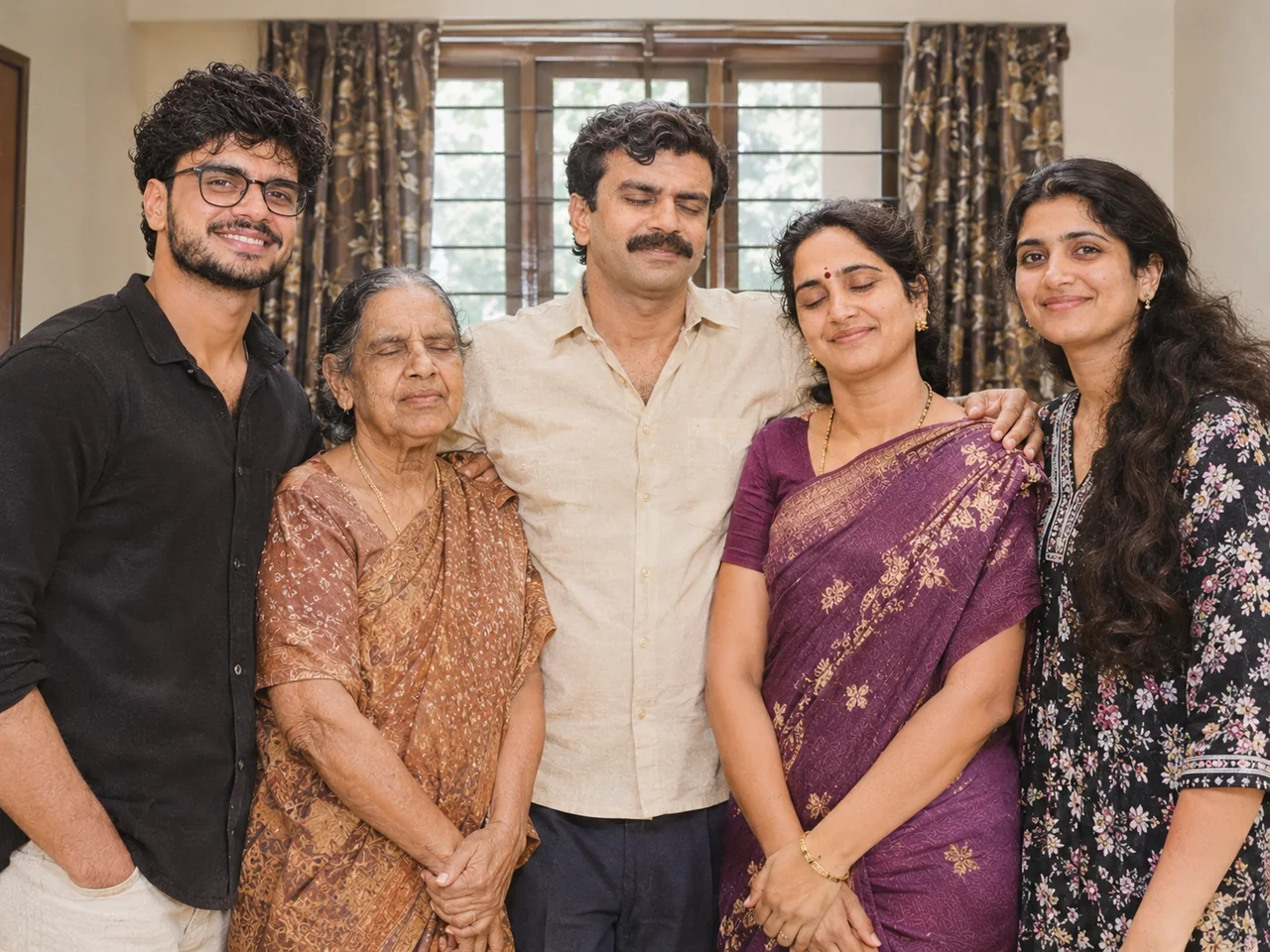
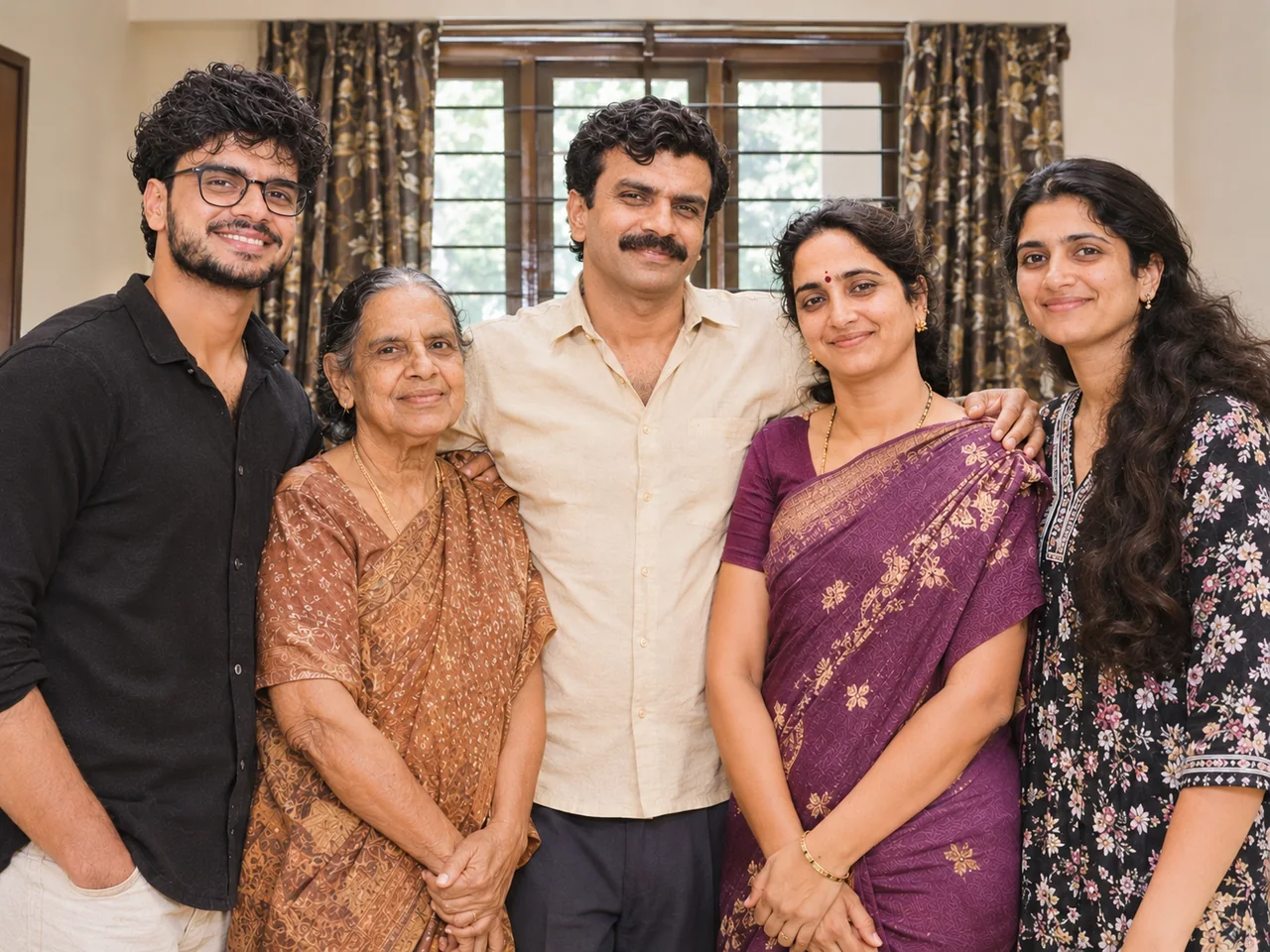
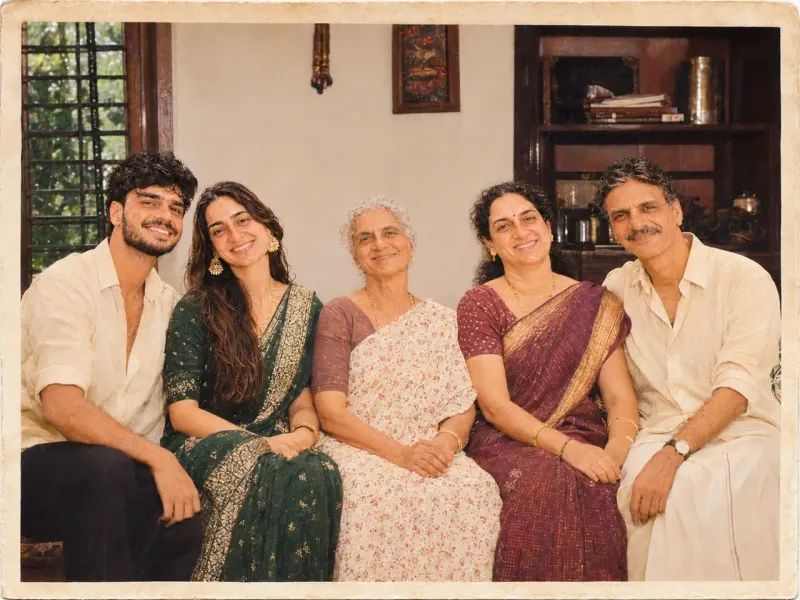 Fix my photo